See ignored elements
Find buttons and sections that look important but fail to attract clicks.

UserTrail helps teams create website heatmaps that reveal ignored CTAs, weak page sections, scroll drop-offs, and conversion opportunities across every important page.
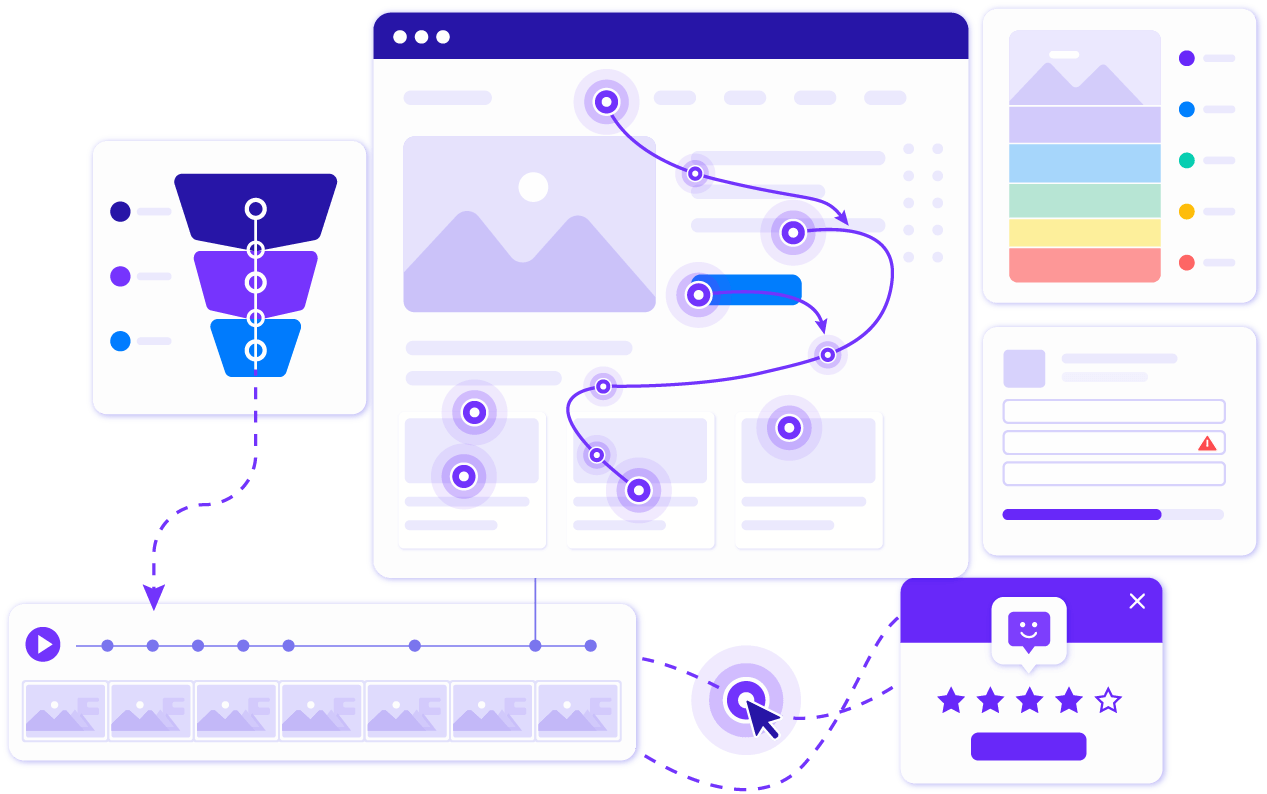
See which buttons, links, forms, and page sections attract attention. Website heatmaps make it easier to spot what visitors use, ignore, or miss entirely.
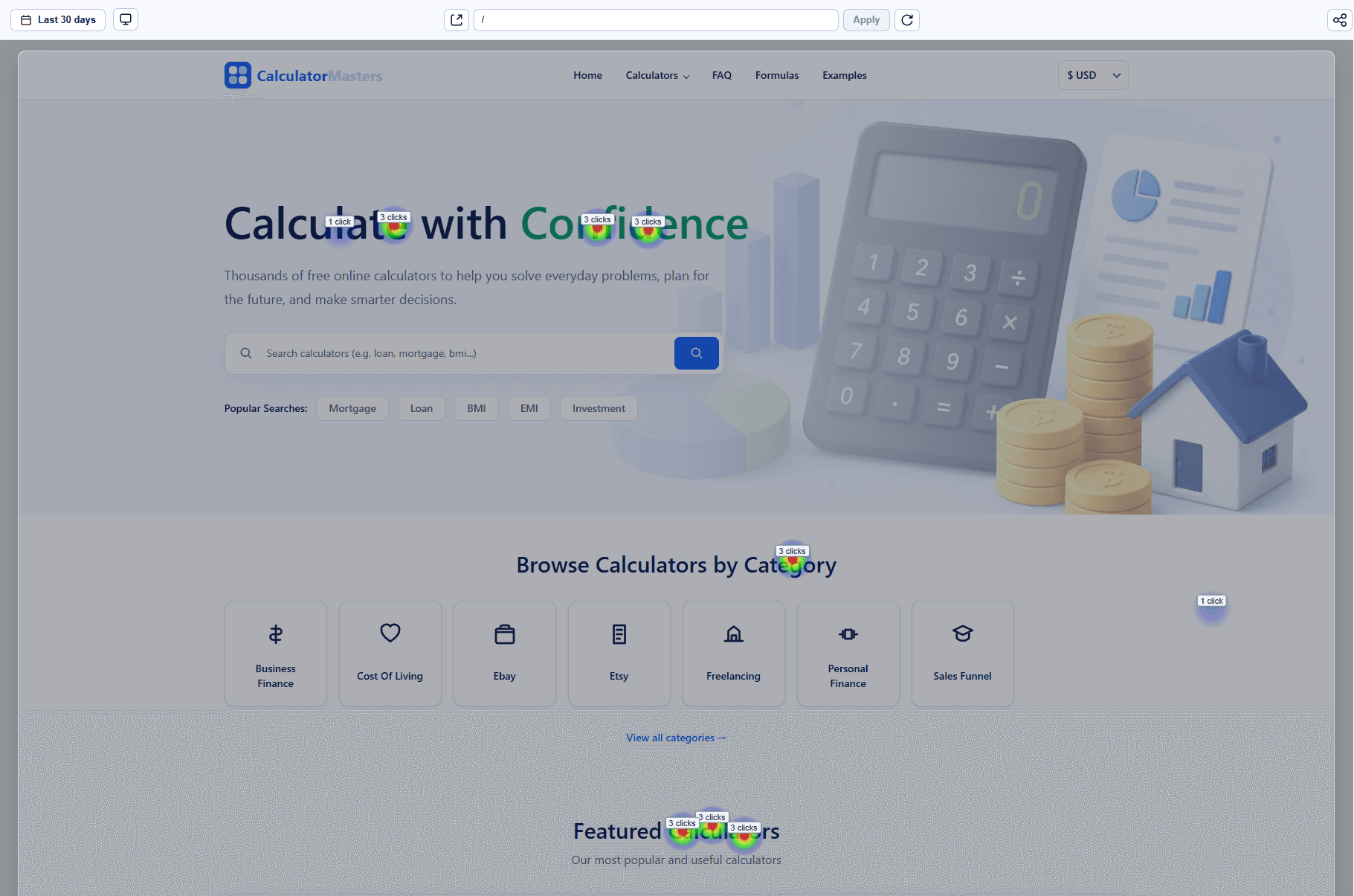
Heatmaps show the pattern. Session replay shows the reason. UserTrail combines both so your team can understand the behaviour behind each hotspot or dead zone.
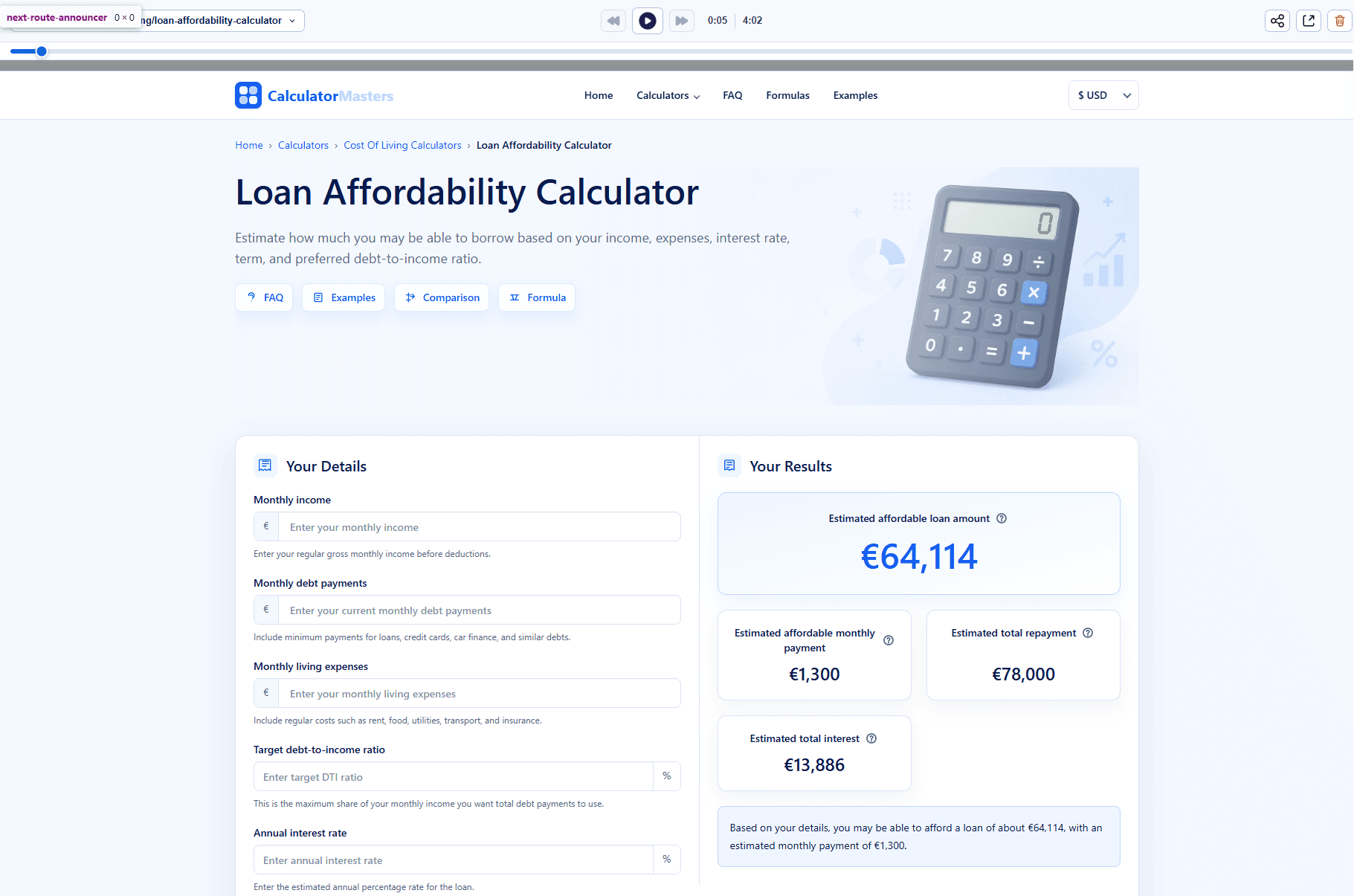
Find sections that get attention but no clicks, CTAs that visitors miss, and forms that create friction. Then validate improvements with funnels and replay.
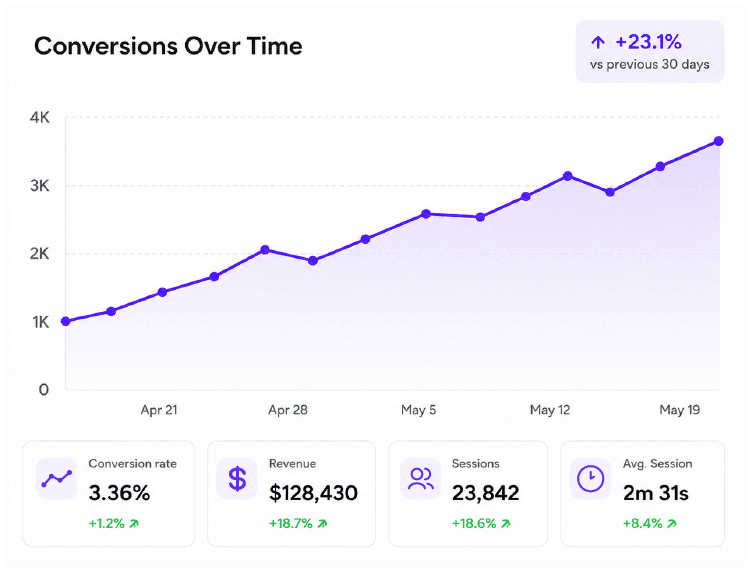
UserTrail turns visual behaviour data into practical decisions for landing pages, product pages, pricing pages, and signup flows.
Find buttons and sections that look important but fail to attract clicks.
Use scroll heatmaps to understand where visitors lose momentum.
Pair heatmaps with funnels, forms, journeys, and replays to prioritize real conversion work.
Website heatmaps help teams understand layout performance and prioritize page improvements.
See whether visitors engage with your headline, proof points, pricing links, and primary CTA.
Identify which plan cards, comparison rows, and FAQ sections receive attention.
Find distracting elements, missed buttons, and sections that interrupt the conversion path.
Use scroll depth to decide what content belongs higher on the page.
Answers to common questions teams ask before installing UserTrail.
Heatmap software visualizes visitor interactions such as clicks, scroll depth, and attention so teams can understand how people use a webpage.
Website heatmaps are used to improve CTAs, page layouts, forms, pricing pages, landing pages, and conversion paths.
Yes. UserTrail supports heatmap analysis for click and scroll behaviour, alongside session replay, funnels, forms, journeys, and surveys.
Heatmaps are powerful for patterns, but they are stronger when paired with session replay and funnel data that explain why visitors behaved that way.
UserTrail is designed around lightweight, batched tracking so behaviour data collection stays practical for production websites.
Install UserTrail and start using heatmap software to improve pages with real visitor behaviour.