Audit your current Hotjar setup
List the sites, funnels, forms, surveys, dashboards, and privacy exclusions your team relies on before changing tracking.

UserTrail is a Hotjar alternative for teams that want heatmaps, session replay, funnels, forms, journeys, surveys, and conversion insights in one focused workflow.
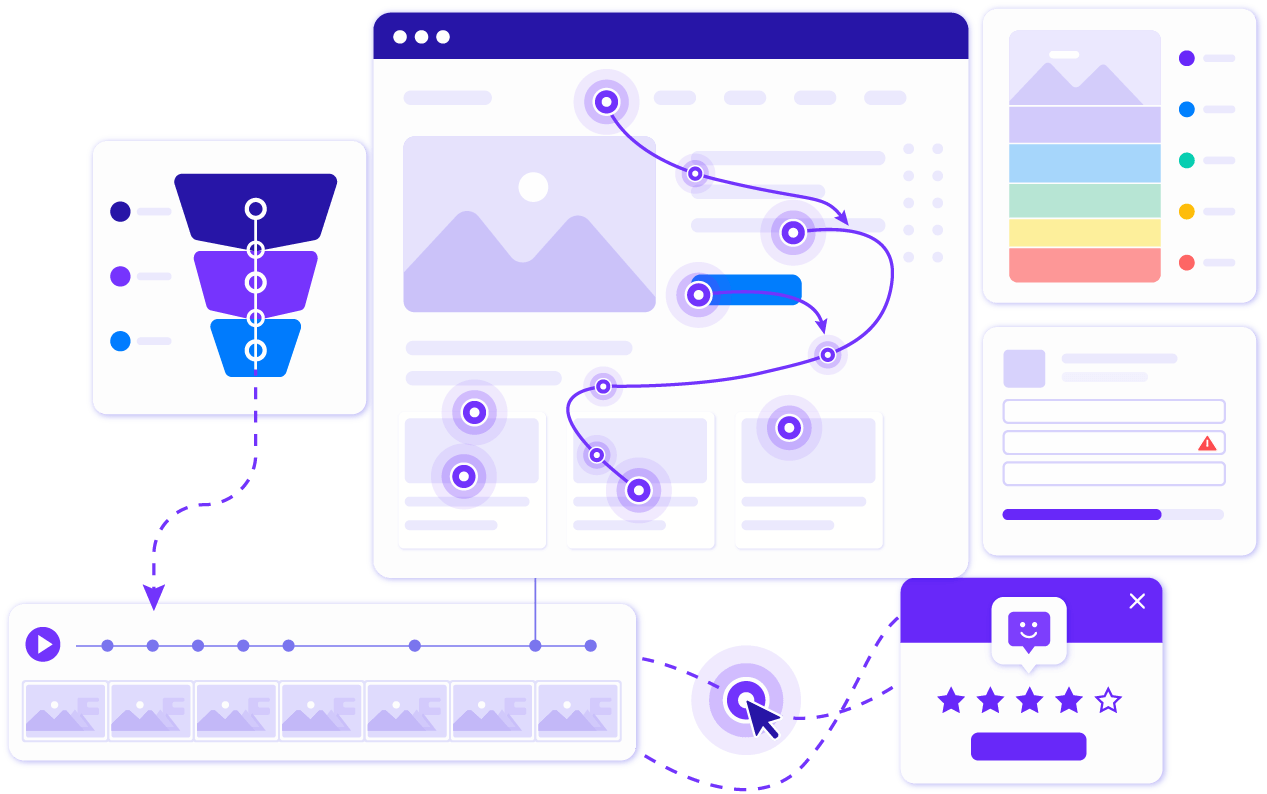
If you are comparing behaviour analytics tools, the right choice depends on how quickly your team can find friction, understand drop-offs, and turn those insights into better pages.
| Category | UserTrail | Hotjar |
|---|---|---|
| Best fit | Teams that want behaviour analytics, CRO insights, and clear pricing in one focused product. | Teams that want separate Observe, Ask, and Engage products with per-site billing. |
| Core workflow | Find friction with heatmaps, replays, funnels, forms, journeys, and surveys. | Use Observe for recordings and heatmaps, Ask for surveys, and Engage for interviews. |
| Setup | Install one lightweight script and start collecting behaviour events quickly. | Install tracking and configure recording, privacy, and analysis settings. |
| Pricing model | Transparent public plans from Free to Professional. | Per-site plans across Observe, Ask, and Engage: Basic, Plus, Business, and Scale. |
| Privacy controls | Built around masking, private elements, consent-aware tracking, and retention controls. | Hotjar includes privacy controls for recorded behaviour data. |
UserTrail plans are built around monthly session volume, number of sites, and data retention. Competitor pricing can change, so always confirm current terms before buying.
| Tier | UserTrail | Hotjar | Notes |
|---|---|---|---|
| Free | $0 | Basic free plans | Hotjar offers Basic free plans across its product areas. |
| Entry paid | $47/mo or $39/mo yearly | Plus pricing varies by product and site | UserTrail uses one account-level plan instead of separate per-site product plans. |
| Growth | $94/mo or $78/mo yearly | Business pricing varies by product and site | UserTrail Standard includes 50,000 monthly sessions and 10 sites. |
| Scale | $140/mo or $117/mo yearly | Scale pricing varies by product and site | UserTrail Professional includes 100,000 monthly sessions and 25 sites. |
| Enterprise | Talk to us | Contact sales | For higher volume, custom retention, or agency needs. |
These rows focus on places where UserTrail is comparable, simpler, or stronger for CRO teams comparing plan limits and behaviour analytics features.
A clean migration keeps analytics continuity while giving your team time to validate tracking, privacy rules, and key reports.
List the sites, funnels, forms, surveys, dashboards, and privacy exclusions your team relies on before changing tracking.
Add each website in UserTrail, confirm allowed domains, and copy the tracking snippet for your project.
Add the script directly, through your tag manager, or in your CMS. Keep Hotjar running during validation if you need overlap.
Create your priority funnels, form analytics, surveys, and journey views so your team can compare behaviour consistently.
Check masking rules, private selectors, consent behaviour, and retention settings before making UserTrail the primary tracker.
Answers to common questions teams ask when comparing UserTrail and Hotjar.
UserTrail is a strong hotjar alternative for teams that want heatmaps, session replay, funnels, forms, journeys, surveys, and conversion insights in one focused platform.
Choose UserTrail if you want a clean behaviour analytics workflow, transparent plans, generous session allowances, and privacy-conscious tracking controls for CRO work.
Yes. Create your sites in UserTrail, install the tracking script, recreate priority funnels and surveys, then validate privacy settings before removing your old tracker.
Yes. UserTrail includes click and scroll heatmaps, session replay, funnels, forms, journeys, surveys, and real-time behaviour insights.
Most teams can install UserTrail by adding one JavaScript snippet directly, through Google Tag Manager, or through their website platform.
UserTrail is designed with privacy controls such as input masking, private element selectors, consent-aware setup, and configurable data retention.
Install UserTrail in minutes and start finding the behaviour patterns blocking conversions.