Replay the full journey
See page changes, clicks, scrolls, and hesitation across the visitor path.

UserTrail is website session recording software for teams that need to replay real visitor journeys, understand hesitation, and fix conversion blockers with heatmaps, funnels, forms, journeys, and surveys.
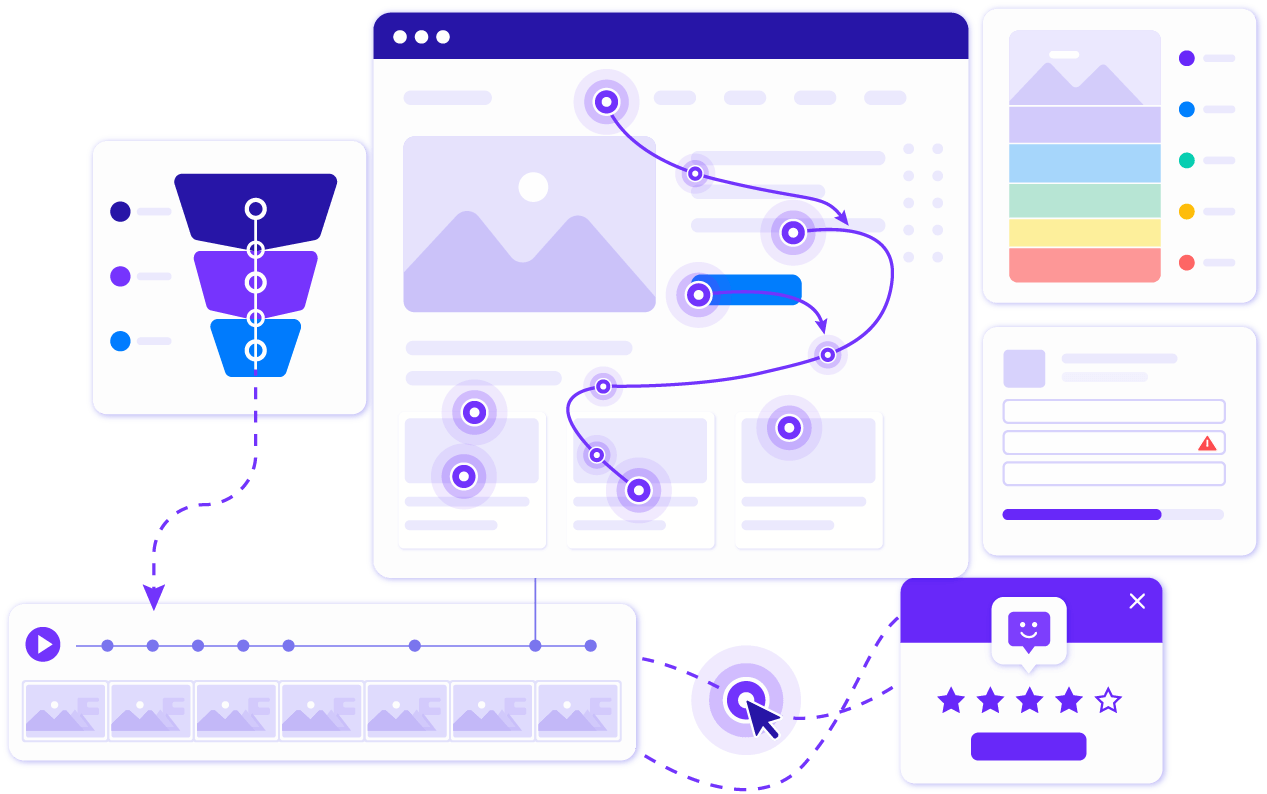
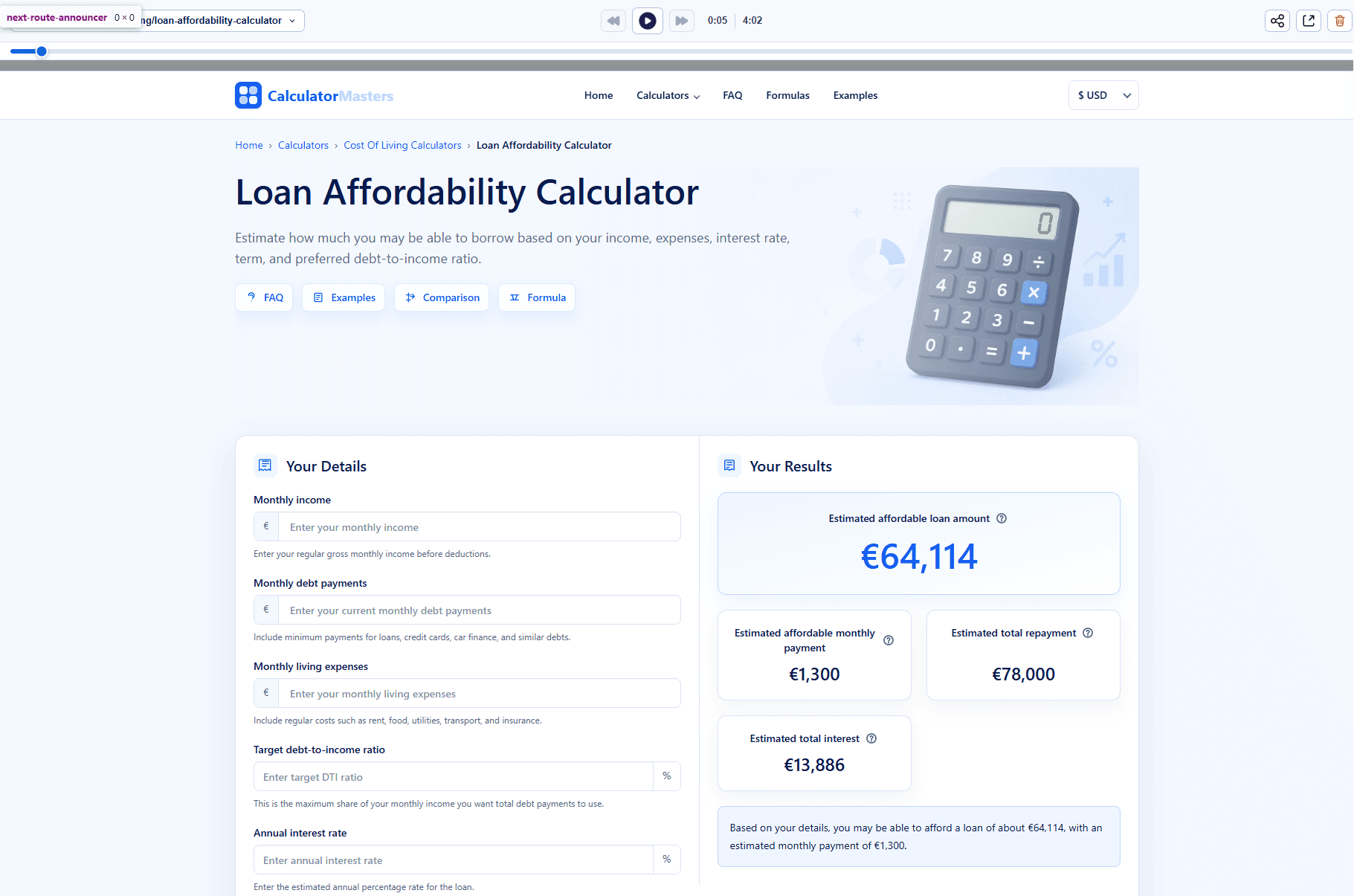
Watch how visitors move through your website, where they pause, what they click, and which moments create friction. Session replay gives your team the context missing from pageview analytics.
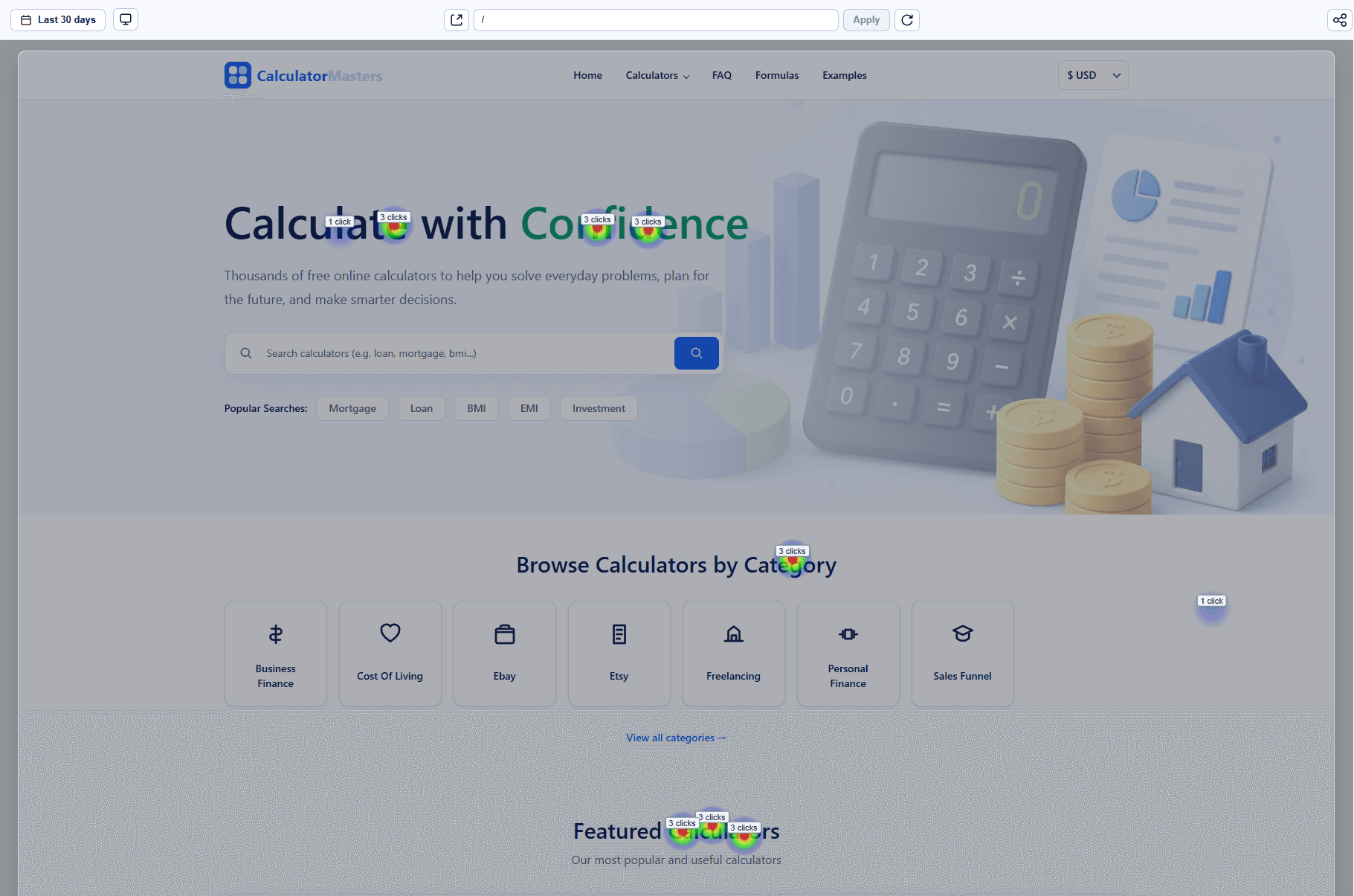
Session recordings are most useful when they are paired with heatmaps, funnels, and form analytics. UserTrail helps you move from one replay to a clear pattern your team can act on.
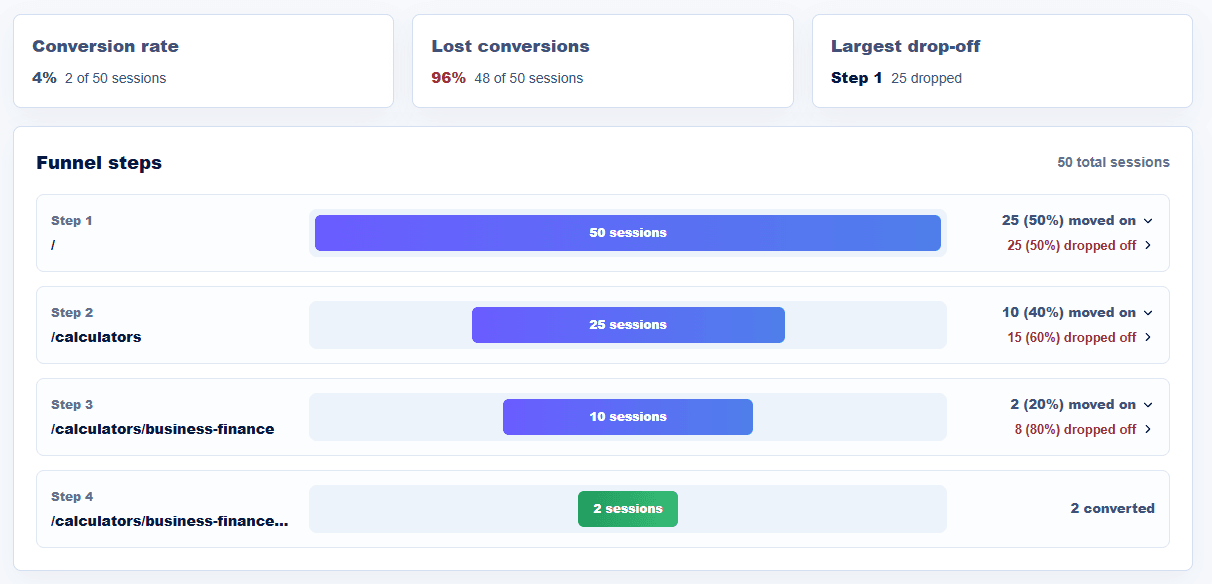
When a signup, checkout, booking, or demo funnel loses visitors, session replay helps you see the exact experience behind the drop-off instead of guessing from numbers alone.
UserTrail keeps session replay practical: quick setup, privacy-conscious tracking, and workflows that connect recordings to conversion decisions.
See page changes, clicks, scrolls, and hesitation across the visitor path.
Use funnels, forms, and heatmaps to decide which recordings matter most.
Mask sensitive fields and exclude private elements before recordings become a compliance risk.
Session replay is useful when your team needs qualitative context behind measurable conversion problems.
Watch where users hesitate, re-enter data, hit validation errors, or leave before submitting.
Find confusing steps, broken UI states, hidden CTAs, and unexpected behaviour.
Compare visitor behaviour before and after page changes so design decisions stay evidence-based.
Understand reported issues faster by seeing the actual visitor experience.
Answers to common questions teams ask before installing UserTrail.
Session replay software records privacy-conscious visitor interactions so teams can replay website sessions and understand where users click, scroll, hesitate, or abandon a task.
Website session recording software is used to diagnose UX issues, form friction, checkout problems, signup drop-offs, and confusing page experiences.
Yes. UserTrail combines session replay with click heatmaps, scroll heatmaps, funnels, forms, journeys, and surveys.
UserTrail is built with privacy controls such as input masking, private element selectors, and consent-aware installation options.
Most teams can install UserTrail by adding one JavaScript snippet directly, through a tag manager, or through their website platform.
Install UserTrail and start using session replay software to uncover conversion blockers faster.